How to Make Money with Pinterest Affiliate Marketing
How to Make Money with Pinterest Affiliate Marketing
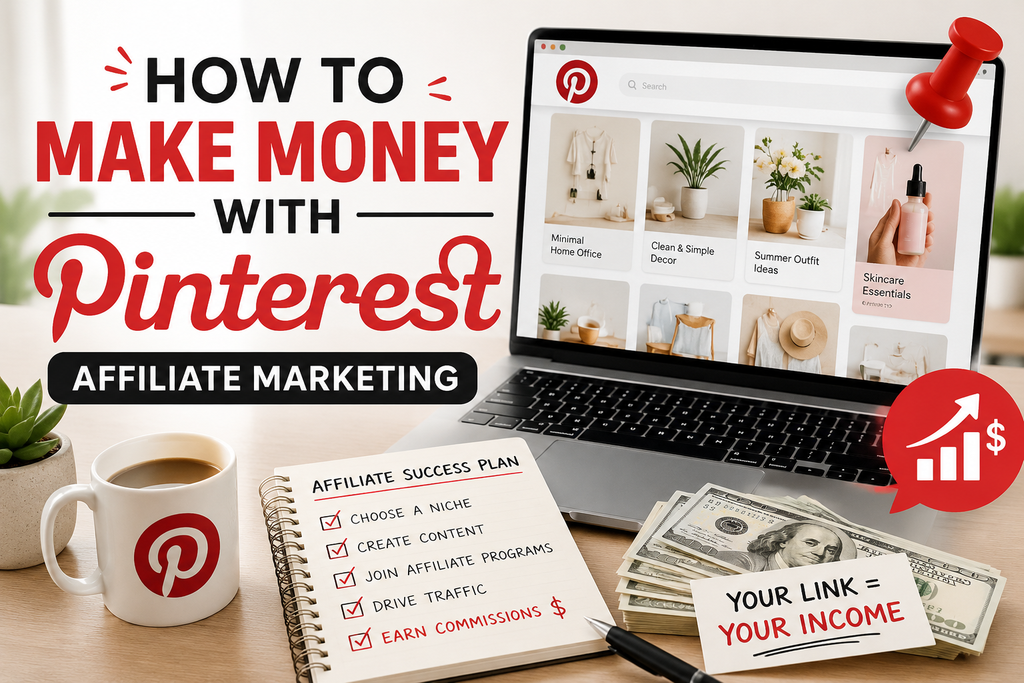
Pinterest is often described as a visual search engine rather than a social network. People go there to plan, shop, and find ideas, which makes it a strong platform for affiliate marketing. Pins can keep driving traffic for months or even years, so a little effort upfront can keep paying off. Here is a practical guide to getting started.
What Is Pinterest Affiliate Marketing?
Affiliate marketing means earning a commission when someone buys a product or signs up for a service through your unique link. On Pinterest, you create pins that promote products, blog posts, or resources, and you earn a commission when users click through and make a purchase.
Why Pinterest Works for Affiliate Marketing
- Shoppers use it with intent. Many users are actively searching for ideas and products to buy.
- Pins have a long lifespan. Unlike social posts that vanish within hours, a pin can keep getting views for a long time.
- It is visual. Attractive images of products and ideas naturally encourage clicks.
- It suits many niches. Home decor, fashion, food, travel, fitness, parenting, weddings, and finance all perform well.
Step 1: Choose a Profitable Niche
Pick a topic you know something about and that has products people buy. Good niches have steady demand, a range of affiliate offers, and plenty of search interest. Examples include home organisation, budget meal planning, skincare, DIY projects, and online business tools.
Step 2: Set Up a Business Account
Create a free Pinterest business account. It gives you access to analytics, lets you claim your website, and unlocks extra features. Then optimise your profile:
- Use a clear profile photo or logo
- Write a keyword-rich bio explaining what you share
- Add a link to your website or landing page if you have one
Step 3: Join Affiliate Programmes
Sign up for programmes that match your niche. Popular options include:
- Amazon Associates: A huge product range, but commissions are often modest
- ShareASale, CJ Affiliate, and Impact: Networks with many brands in one place
- Individual brand programmes: Often offer higher commissions
- Digital product platforms: Courses, software, and templates often pay generous commissions
Always read each programme’s terms carefully, because some have rules about how and where links can be shared.
Step 4: Check Pinterest’s Rules and Disclose Your Links
Pinterest generally allows affiliate links, but spammy behaviour is not tolerated. Be transparent that you earn commissions, and follow the advertising disclosure rules where you live. Avoid misleading claims, and check Pinterest’s current guidelines regularly, since policies can change.
Step 5: Create Content That Gets Clicks
There are two common approaches:
Link directly to the product. This is simple and fast, but it can be less trusted by users and sometimes performs poorly.
Link to your own content. Create a blog post, gift guide, or review page with affiliate links inside, then pin it. This builds trust, gives the visitor useful information, and tends to convert better.
Step 6: Design Eye-Catching Pins
Your pin design plays a huge role in whether people click.
- Use vertical images, with a 2:3 ratio such as 1000 x 1500 pixels
- Add clear, easy-to-read text overlays
- Use bright, high-quality images
- Keep branding consistent with your colours and fonts
- Include a clear benefit, such as “10 Budget-Friendly Kitchen Organisers”
Free tools like Canva make it easy to create professional-looking pins.
Step 7: Use Pinterest SEO
Pinterest works like a search engine, so keywords matter.
- Research keywords using the Pinterest search bar and its suggestions
- Include keywords in pin titles, descriptions, and board names
- Write natural, helpful descriptions instead of stuffing keywords
- Organise pins into well-named boards with relevant topics
Step 8: Pin Consistently
Consistency helps Pinterest understand your account and show your content to more people. Aim to post fresh pins regularly, ideally a few per day if you can manage it. You can also create multiple pins for the same link with different images and headlines to see which performs best. Scheduling tools can save time.
Step 9: Track and Improve Your Results
Use Pinterest Analytics and your affiliate dashboards to see what is working. Look at:
- Impressions and saves
- Outbound clicks
- Conversions and commissions
Do more of what works, and update or drop pins that do not perform.
Step 10: Build an Email List and Your Own Platform
Relying only on Pinterest is risky because algorithms and rules can change. Adding an email sign-up, such as a free printable or checklist, lets you build an audience you own and promote affiliate offers directly to subscribers.
Common Mistakes to Avoid
- Promoting products you have not researched or would not recommend
- Posting low-quality or misleading images
- Ignoring keywords and descriptions
- Pinning inconsistently or giving up too soon
- Breaking affiliate programme or Pinterest rules
- Forgetting to disclose affiliate links
How Long Does It Take to See Results?
Pinterest is generally a slow-burn platform. Many people see modest traction after a few months of consistent effort, and the results can grow over time. Income varies widely depending on niche, quality, and how much you post.
Final Thoughts
Pinterest affiliate marketing can be a rewarding way to earn online, but it rewards patience and quality. Choose a niche, create helpful content, design appealing pins, and stay consistent. Focus on genuinely helping your audience, and the commissions will follow.
Disclaimer: Earnings are not guaranteed and vary by niche, effort, and market conditions. Always follow Pinterest’s policies, affiliate programme terms, and local advertising laws.